

Why 47% of Website Owners Trust WordPress in 2025
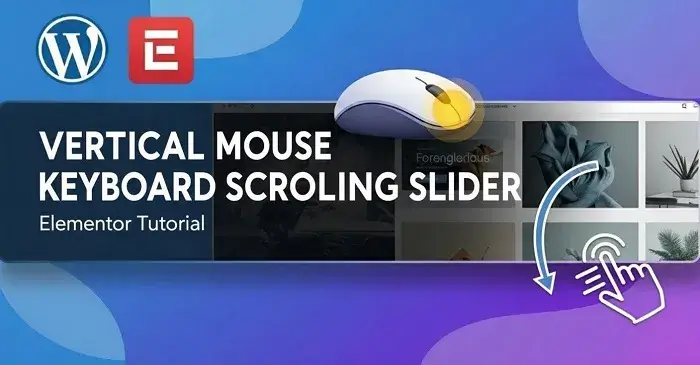
Vertical Scrolling Slider in Elementor
Category :
Author :
Kamrujjaman Jisan
I design websites. As a result, they are responsive on all devices.
Watch the Tutorial Here: Vertical Scrolling Slider in Elementor
Learn how to create a smooth vertical scrolling slider in Elementor using mouse and keyboard navigation.
Creating interactive sliders can make a website feel modern and engaging. In this tutorial, I’ll show you how to build a vertical scrolling slider in Elementor that works seamlessly with both mouse and keyboard navigation. It’s perfect for showcasing portfolios, testimonials, or any content that needs a smooth, eye-catching scroll effect.
Prepare Your Section and Slides
Start by creating a new section in Elementor and add your content blocks as slides. Each slide can be a simple image, text, or a combination of both. Make sure the section height is set to full height so that each slide occupies the full viewport. This creates the smooth vertical scrolling effect.
Add Custom CSS and JS
To enable vertical scrolling, some custom CSS and JavaScript is required. I’ve prepared a ready-to-use code snippet that handles smooth scrolling, mouse wheel navigation, and keyboard arrow keys for easier interaction. The code ensures your slider works flawlessly across devices and browsers.
Test Your Slider
Once the code is added, preview the page and test the vertical scrolling. Try using both your mouse wheel and the keyboard arrows to navigate. Everything should scroll smoothly, creating a modern, professional feel for your site.
Grab the Free Code from GitHub
I’ve made the complete CSS and JS code available for free on my GitHub, so you can implement it on your own site without hassle. so, you can access it here: Vertical Scrolling Slider Code on GitHub
Using this approach, even beginners can create interactive sliders that enhance user experience and make any Elementor site stand out.
Client Tip
Interactive sliders grab attention and keep visitors engaged. Using vertical scrolling sliders is a simple way to make your content more dynamic — and you can implement it for free with the provided code.
Top Insights
Category

Hostinger is a Top 3 web host offering great load times and uptime. This website is hosted on Hostinger. It provides the best price solution, especially for beginners using WordPress & Elementor Kits.